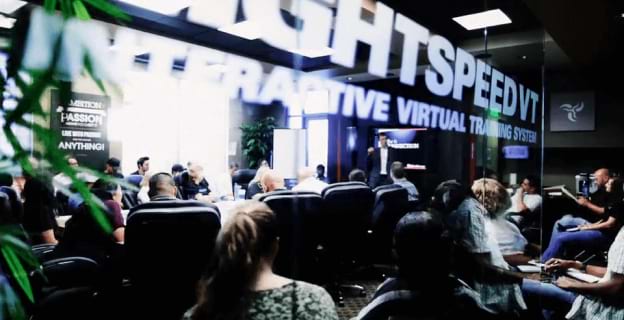
Deliver World-Class Engaging and Interactive User Experiences
Trusted by the best
Thousands of subject matter experts and companies trust LightSpeed VT to help them deliver engaging and interactive user experiences.
Play Video
"Every minute you're not making the decision to move forward, you're costing yourself 100's of thousands of dollars or even millions."
One of the maybe three best decisions I’ve made in my career was doing business with Brad Lea at LightSpeed VT.
With the LightSpeed VT technology, it’s so user-friendly, and the experience is so engaging. There’s not a better tool to multiply your training impact and to deliver your message all year round, 24/7
That’s value. That’s personal value. That’s caring about your customers. And like, I have tears in my eyes. Thank you.
Do it the way I do with LightSpeed VT.
Best business decision I ever made was doing business with LightSpeed VT.
Discover Why A-List Celebrities, CEOs, and Leaders From Around The World Are Using LightSpeed VT
A World-Class Interactive Experience
At LightSpeed VT, we’re committed to ensuring your success from day one with our world-class interactive solution.
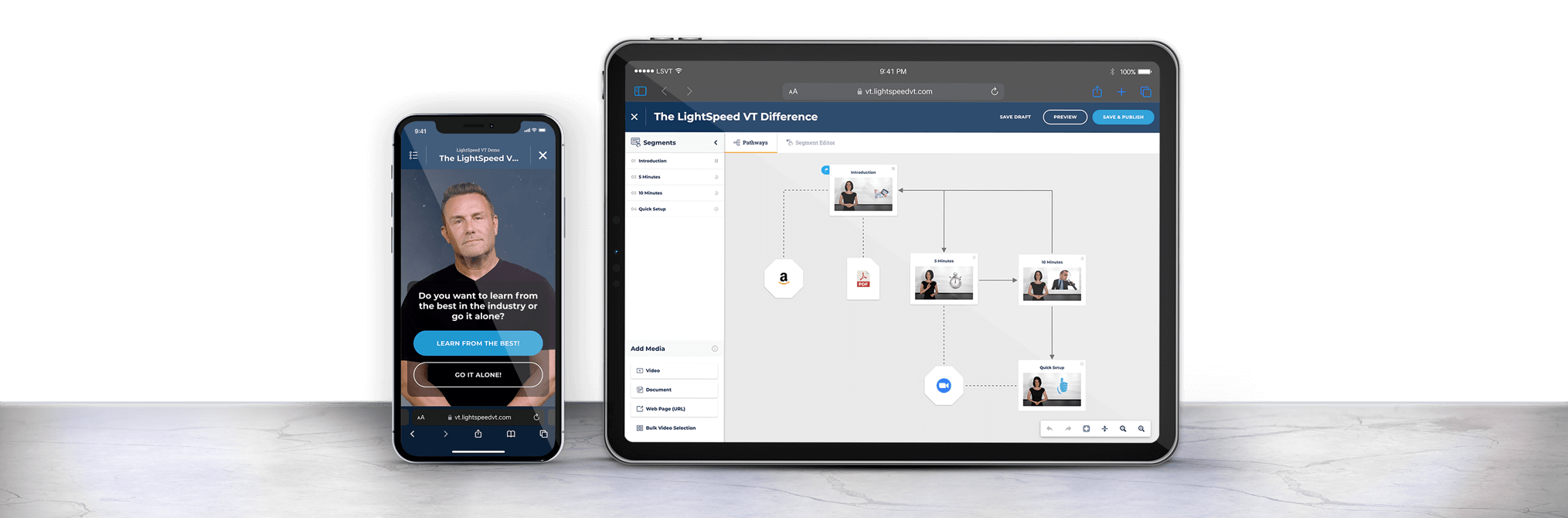
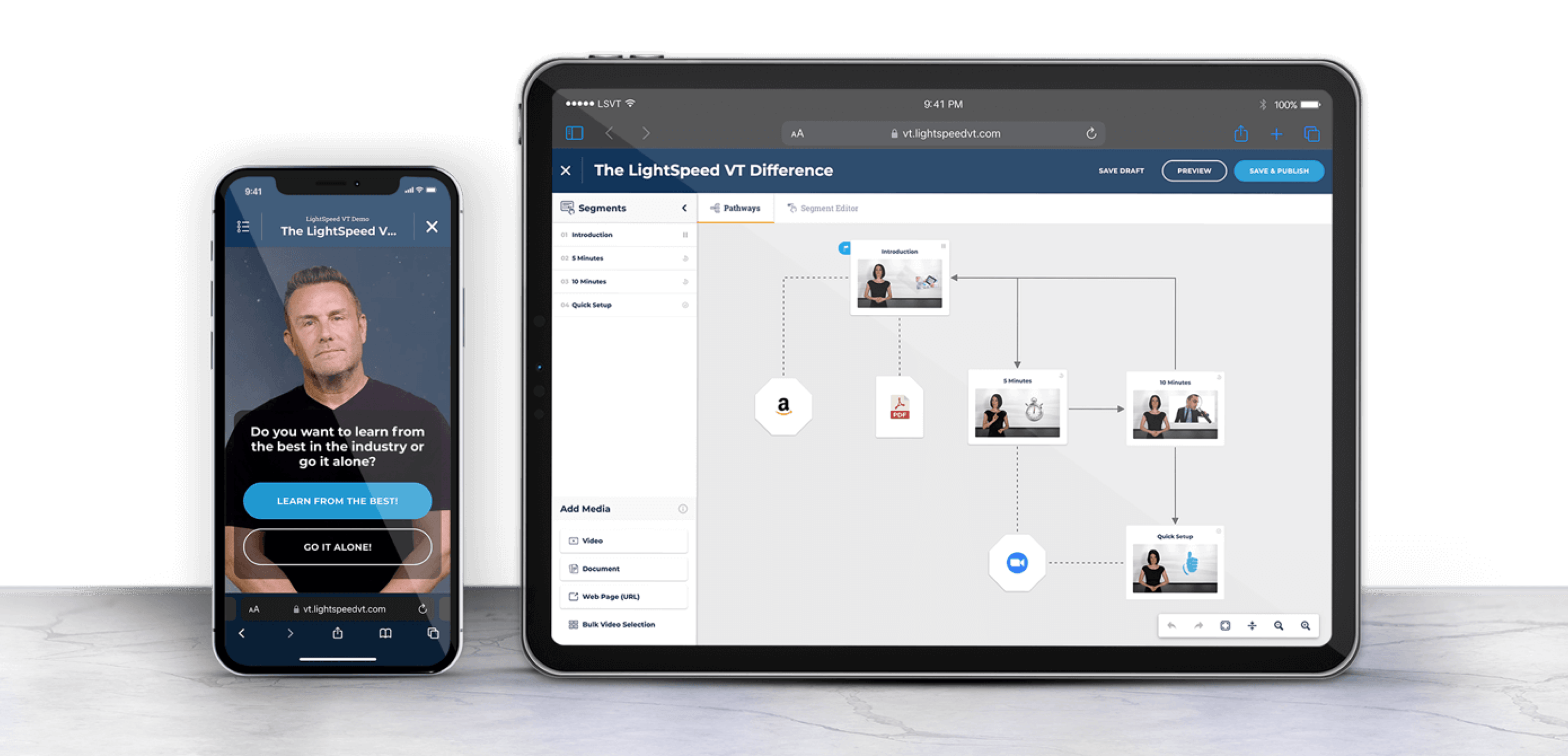
Unlike the competition, we offer something extraordinary: interactivity. From captivating courses to engaging landing pages, our platform takes learning to new heights.
Transform your videos into immersive experiences that dynamically adapt to your users’ learning styles, featuring interactive questions, enticing offers, and so much more. With LightSpeed VT (LSVT), the possibilities for monetization and training know no bounds.
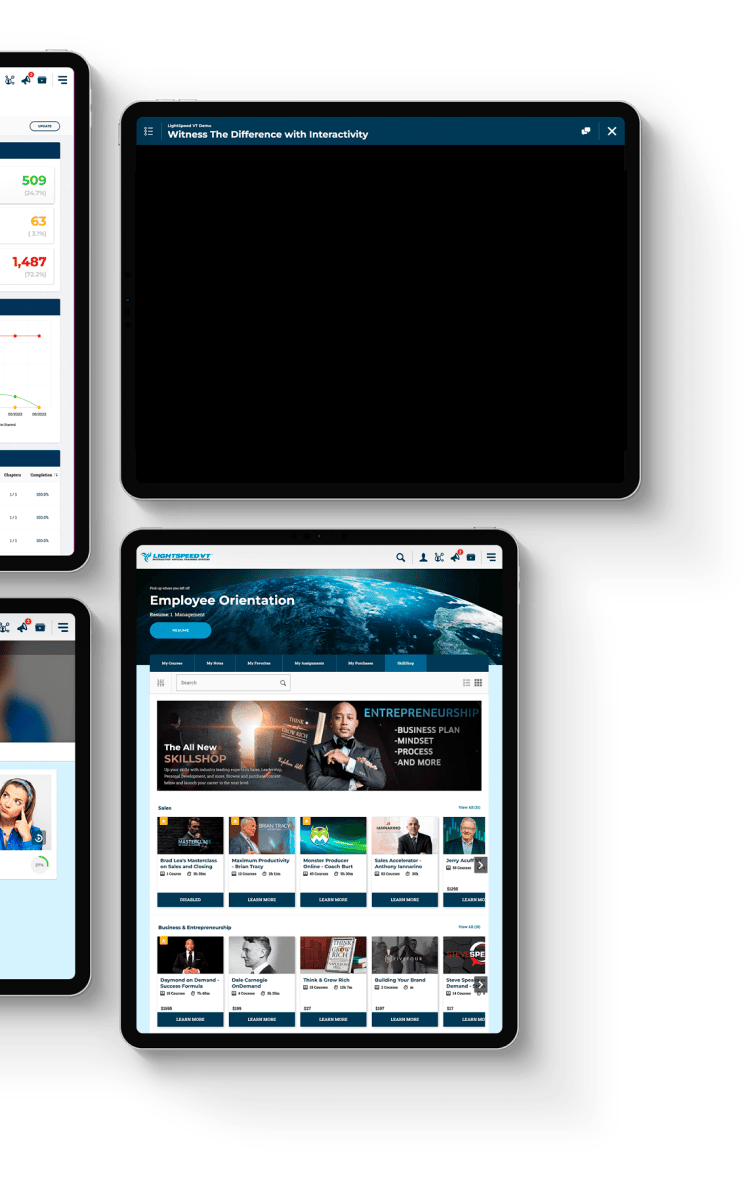
👈 Don’t just take our word for it – witness the difference for yourself. Dive into our interactive demo and see firsthand how we’re revolutionizing the training landscape.
At LightSpeed VT, we’re committed to ensuring your success from day one with our world-class interactive solution.
Unlike the competition, we offer something extraordinary: interactivity. From captivating courses to engaging landing pages, our platform takes learning to new heights.
Transform your videos into immersive experiences that dynamically adapt to your users’ learning styles, featuring interactive questions, enticing offers, and so much more. With LightSpeed VT (LSVT), the possibilities for monetization and training know no bounds.
Don’t just take our word for it – witness the difference for yourself. Dive into our interactive demo and see firsthand how we’re revolutionizing the training landscape. 👇️
Full Creative Control
Quickly update your theme to match your brand, voice, and style. Go one step further and transform your system by including downloads, upsells, and more.
Deep Reporting And Accountability
Provide a seamless experience and ensure your users are successful using course discussions, certifications, automated progress emails, completion tracking, and more.
Get all the tools, integrations, and options you need to promote your course and grow a thriving community. When you join our family, you’ll join a community that’s already trained more than 50,000 companies and earned more than $500 million selling courses on LightSpeed VT.
Our solution is more than a video hosting service, it’s a unique interactive experience for the user and a powerful monetization tool for you.
We help subject matter experts monetize their knowledge and we help businesses train their people better.
Creating, launching, and marketing courses and training is what we do, but getting the knowledge from the people who have it to the people who need it—that is who we are.
We believe creating courses can be needlessly complicated, difficult, and stressful. A simple drag and drop ‘all-in-one’ editor can’t articulate all of your ideas, yet alone, monetize your knowledge in multiple ways. That’s what makes teaming with LightSpeed VT different.
We don’t dive straight into creation. We dive into your mission. We discover multiple ways to move the needle for your business and what influences your audience to take action.
Then, and only then, do we begin our journey, infusing everything we have learned to get your message in front of the right person, at the right time, when they are wired to take action. Not only through marketing your VT system, but inside of the courseware itself, too.
When you're ready, we'll be ready.
At LightSpeed VT, we're #HereForYou.